
Graphic Design Course After 12th: Fees, Duration and Salary Guide...
The New Creative Career: Why Designers, Animators & Editors Are Becoming Multi-Skilled Creators...
UI UX Designer Salary in India: Skills, Course Fees and Career Growth...
How to Start a Career in Animation After 12th: Courses, Skills and Scope...
Animation vs VFX: Key Differences, Career Scope and Which Course to Choose...
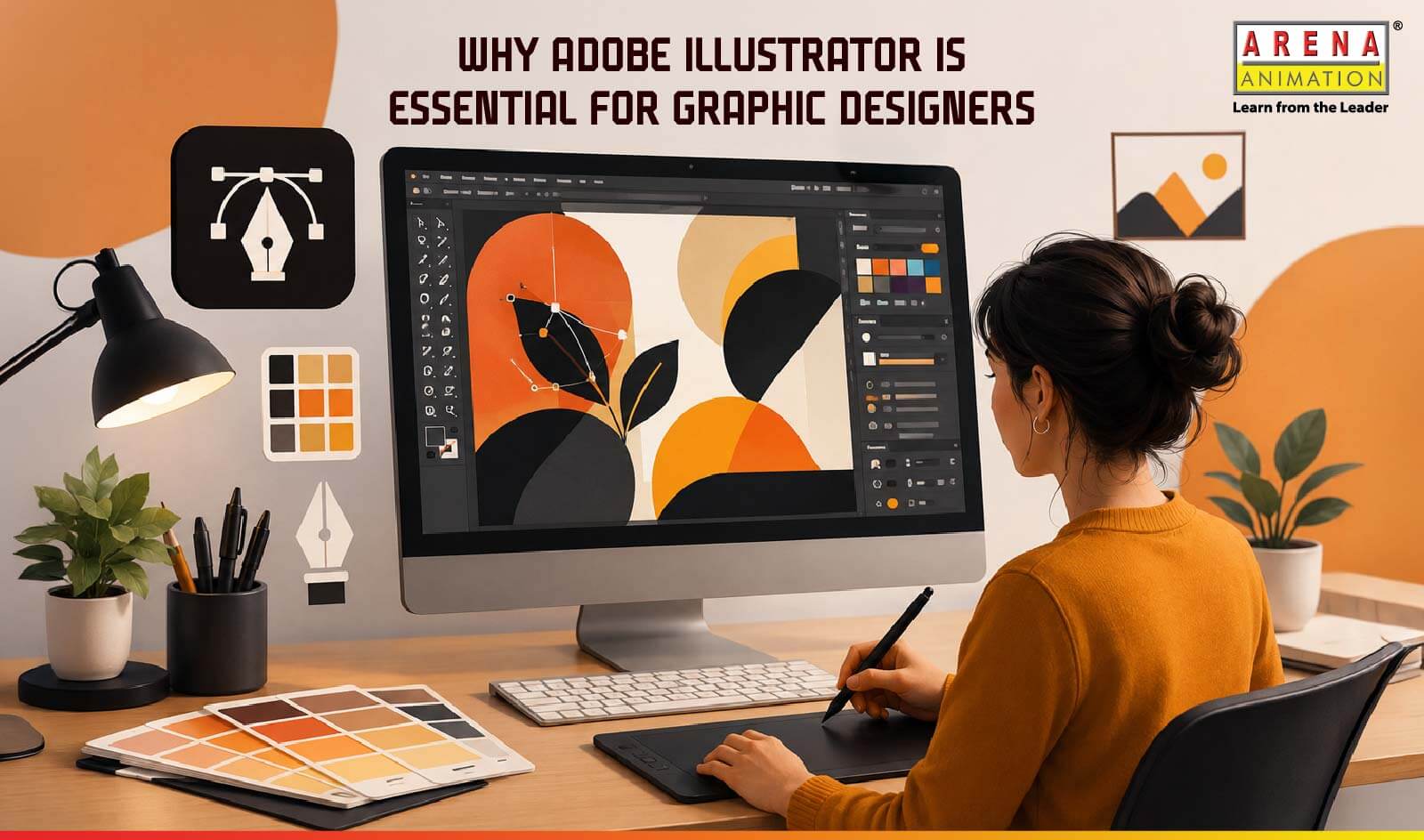
Why Adobe Illustrator is Essential for Graphic Designers
Ask any designer what software they end up using again and again and Adobe Illustrator will probably come up within the first two minutes of the conversation. It has been around for years, newer tools keep appearing every few months and somehow Illustrator still refuses to become irrelevant. There is a reason for that.
Design work today is everywhere. A café needs a logo, a clothing brand needs Instagram posts, a startup needs packaging and a YouTuber needs thumbnails. Behind most of these visuals, there is usually a designer sitting with Illustrator open on their screen, adjusting fonts for the fifteenth time and moving shapes around by one pixel because something still “doesn’t feel right”.
That attention to detail is exactly why adobe illustrator for graphic designers continues to matter so much.
Why So Many Designers Still Prefer Illustrator
A lot of modern design apps are built to make things fast. You pick a template, drag a few elements around and you are done. That works for quick content, but professional design usually needs much more flexibility.
Illustrator gives designers control.
You can resize artwork endlessly without ruining the quality, which is one of the biggest reasons people still consider it one of the best graphic design tools. A logo created today for a small business card can later be printed on store signage, delivery vans or giant event banners without looking blurry.
This flexibility is especially valuable for freelance designers who often need to adapt the same brand assets across multiple formats and platforms. There is also growing demand for vector-based graphics in branding, digital marketing and content creation, making Illustrator a useful skill for both designers and professionals looking to expand their creative capabilities.
Illustrator also handles typography beautifully. Designers who enjoy working with fonts often appreciate the level of control it offers. Spacing, alignment and proportions are much easier to fine-tune compared to many template-based design tools.
Learning Illustrator Feels Tough At First: But There's A Way!
Nobody really talks enough about how confusing Illustrator might feel in the beginning.
The first challenge many beginners face is that Illustrator works very differently from tools like Photoshop. Instead of editing pixels, you create designs using vector paths, anchor points and shapes.
Even simple tasks like drawing smooth curves can feel unfamiliar at first. A structured Adobe Illustrator course helps learners understand these concepts step by step, making the software easier to navigate and apply to real design projects.
Tools like the Pen Tool can be difficult to master without guidance and beginners often struggle with organising layers, managing complex artwork and learning workflow shortcuts. Learning from experienced mentors helps students build these skills systematically rather than relying on trial and error.
Good trainers usually focus on design thinking alongside software skills. Things like spacing, colour choices, composition and branding psychology slowly start making sense when students work on actual projects instead of isolated exercises.
This is one reason institutes like Arena Animation still place so much importance on Illustrator within their graphic design and animation courses. The software is deeply connected to how the industry functions in real life.
Illustrator is Used in More Industries Than People Expect
Most people think Illustrator is only for graphic designers. It really is not.
Marketing teams use it for campaign creatives. Fashion brands use it for packaging layouts. Event companies create banners and promotional material through it. Even animation studios use Illustrator artwork before moving projects into motion graphics software.
Arena Animation’s programs related to visual design and motion graphics actually introduce students to this workflow pretty early. Students create vector artwork in Illustrator and later animate those elements in software like After Effects. That combination reflects how content creation works now, especially for advertising and social media campaigns.
The creative industry has changed a lot over the last few years. Companies no longer want designers who can only make static posters. They usually look for people who understand branding, digital content and visual storytelling together.
That shift has made Adobe Illustrator career opportunities much broader than before.
Why Designers Keep Coming Back to Illustrator
There is a reason Adobe Illustrator remains a preferred tool for professional designers despite the rise of newer design platforms.
While tools like Canva are great for quick designs and ready-made templates, Illustrator offers much greater creative control. Designers can create custom artwork, fine-tune typography and resize designs without losing quality. This makes it especially useful for branding projects where the same logo or visual may need to be used across social media, packaging, websites and large-format prints.
That flexibility saves time during revisions and is one of the main reasons many professional designers continue to rely on Illustrator.
At Arena Animation Graphic students often work on branding exercises, campaign visuals and portfolio projects while learning the software. That practical approach tends to prepare people much better for internships and freelance work because they already understand how real projects move from idea to execution.
FAQs
1. Is Adobe Illustrator hard to learn?
Most beginners find Illustrator overwhelming at first. With proper guidance, mentorship and regular practice, it becomes much easier to navigate while helping learners build both technical and design skills.
2. Why is Illustrator considered the best graphic design tool?
Unlike pixel-based design software, Illustrator uses vector graphics, allowing designs to be resized without losing quality. A logo can be used across business cards, websites, packaging and billboards while remaining sharp and clear, making Illustrator a preferred choice for professional design work.
3. What can I do after completing an Adobe Illustrator course?
You can explore roles like graphic designer, brand designer, packaging designer, visual artist or even freelance design work.
4. Do graphic design and animation courses include Illustrator?
Yes. Most graphic design and animation courses include Illustrator because it remains one of the most widely used tools in the creative industry.
5. Which Arena Animation courses teach Illustrator?
Several programs at Arena Animation related to Graphic Design, Motion Graphics and Visual Design include Illustrator training as part of their curriculum.
STUDENT ENQUIRY
Join Arena Animation and turn your creative passion into a thriving career. Your story could be the next success we celebrate.

Did you find the information you were looking for?

At Arena Animation, we craft innovative digital solutions, empowering creativity and driving growth through cutting-edge animation and design expertise.